Some services will become available after you complete the information literacy guidance through e-learning and pass the quiz.
Once you have completed both, please activate the services by following the steps below.
Services can only be activated by following one of the options below:
- Connect your device to the university's wireless LAN(KITnetX).
- Use a shared PC in the seminar/study room or the University Library.
- Use a PC in a laboratory on campus.
If you are a working student or have difficulty coming to the university, please contact us via the support desk at https://helpdesk.cis.kit.ac.jp/.
Before proceeding, please close all currently running browsers.
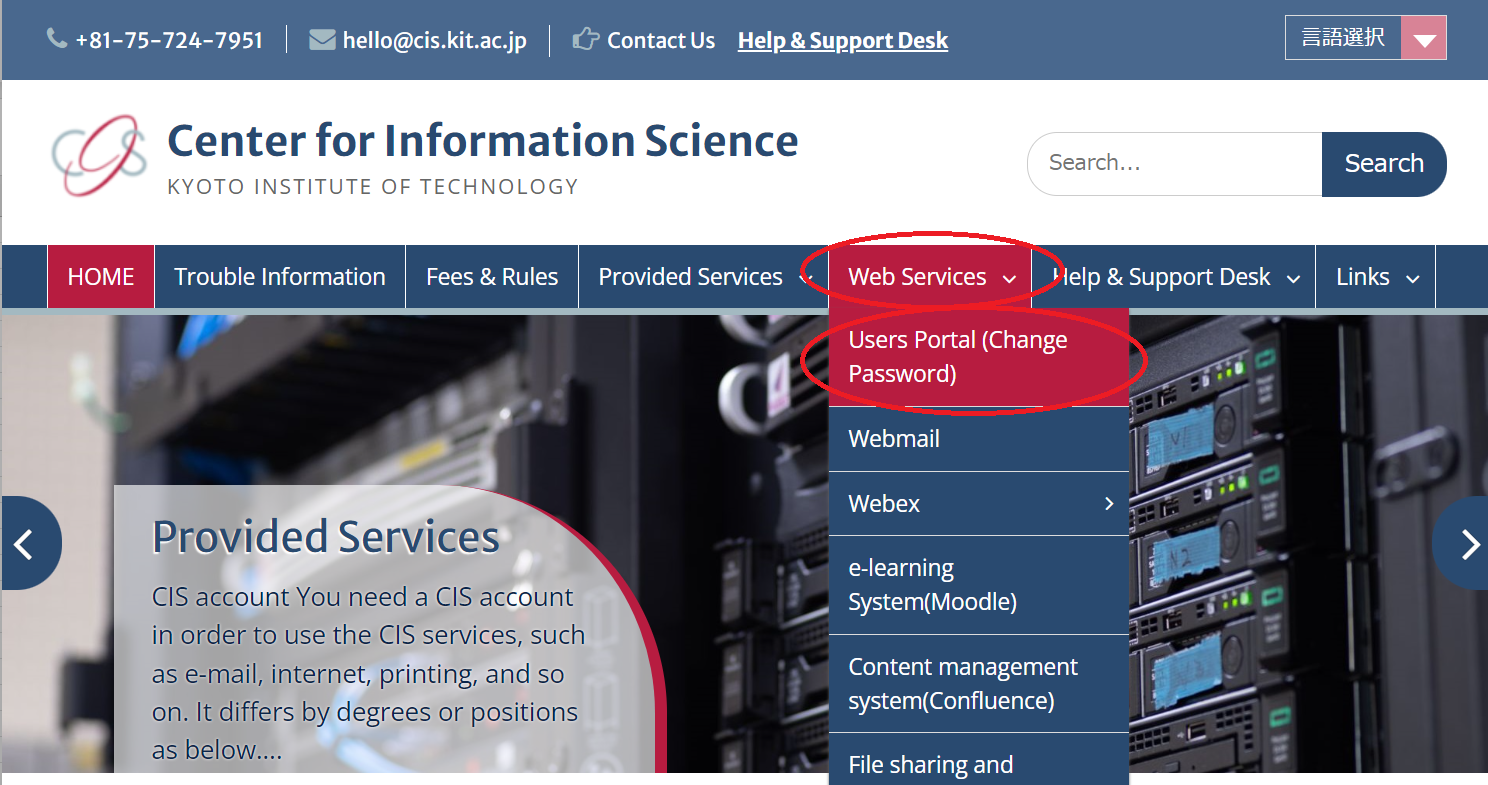
- Open your web browser and navigate to the homepage of Center for Information Science.
https://cis.kit.ac.jp/en/ - Click Users Portal ( Change Password ) provided on Web Services .
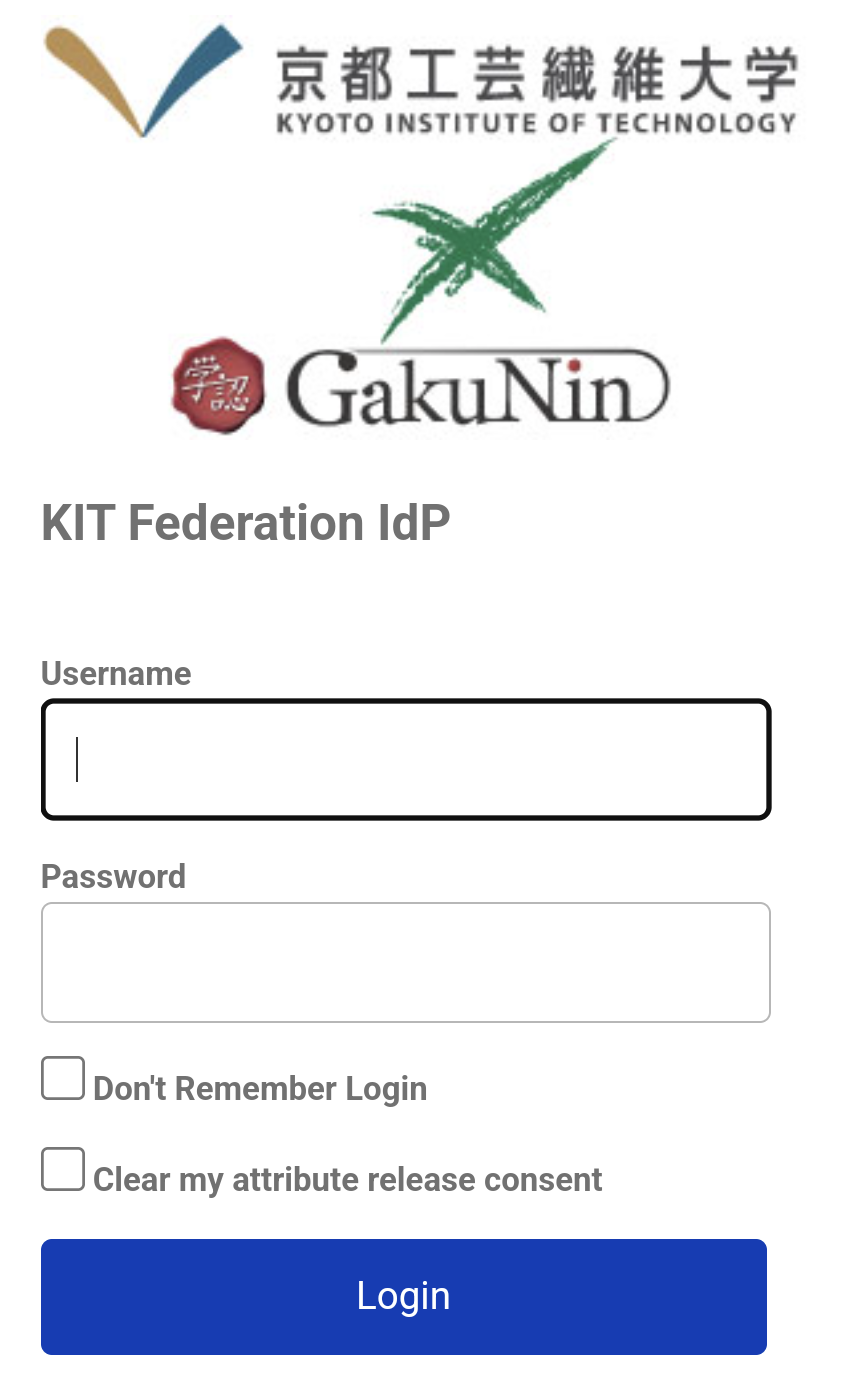
- Enter your username and password to authenticate and click Login.
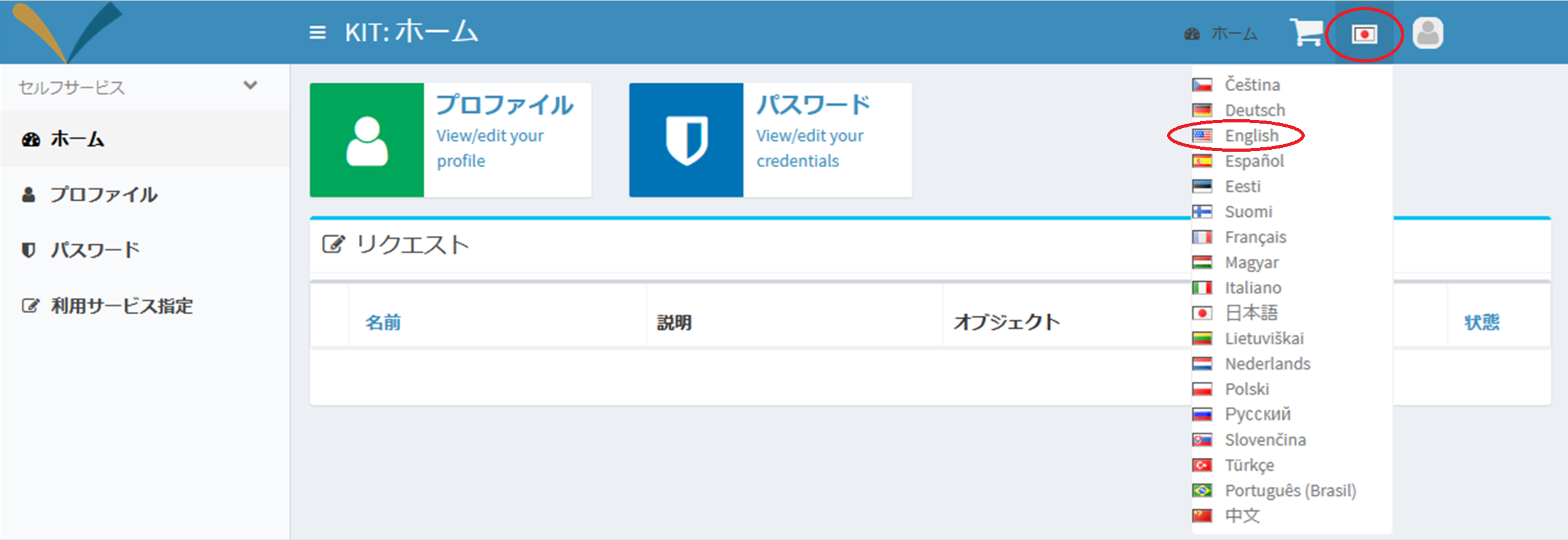
- Click User Information Management.

- Choose your preferred language from the drop-down menu located at the top right of the page..
- Click Request a role.

- Add the desired service to your cart by clicking Add to Cart, and then proceed to the shopping cart by clicking Go to Shopping Cart.

- Click Request.

- The setup is complete when the following message appears.

Please note that the activated service will be fully available in approximately 5 minutes.