...
| Sv translation | |||||||||||||||||||||||||||||||||||
|---|---|---|---|---|---|---|---|---|---|---|---|---|---|---|---|---|---|---|---|---|---|---|---|---|---|---|---|---|---|---|---|---|---|---|---|
| |||||||||||||||||||||||||||||||||||
This section outlines the steps for implementing multi-factor authentication for web services.
PrefaceSeveral web services offered by the CIS are accessible from locations outside the university. Refer to the following instructions for details. Unauthorized access attempts from outside, however, the university are possible. To mitigate the risk of unauthorized access due to leaked account information, such as through phishing emails, follow the recommended security measures outlined in this guide. To prevent unauthorized access resulting from password leakage, System11 has implemented AXIOLE, an authentication server featuring a multi-factor authentication function. While System11 has implemented the multi-factor authentication function for university-wide email (MailSuite), it's important to note that the procedure outlined in this document page does not apply, as it is specific to mail server products. For instructions on setting up the multi-factor authentication feature for university-wide emails, please refer to the guide on 'Implementing Multi-Factor Authentication for Emails. Web services where users can enable multi-factor authentication.2023/6/26時点では、以下のWebサービスの学外からのアクセスについて多要素認証が利用可能です:
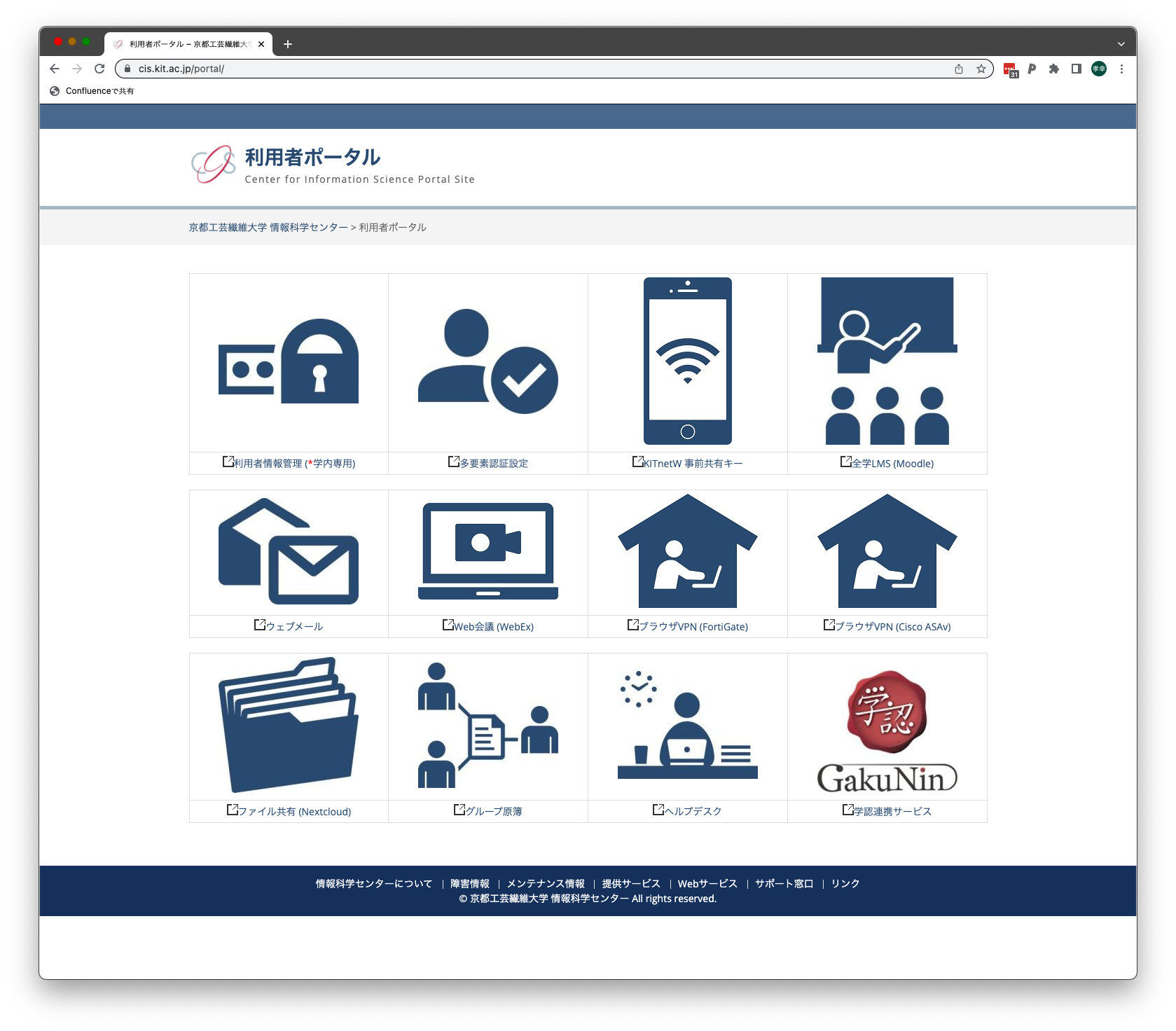
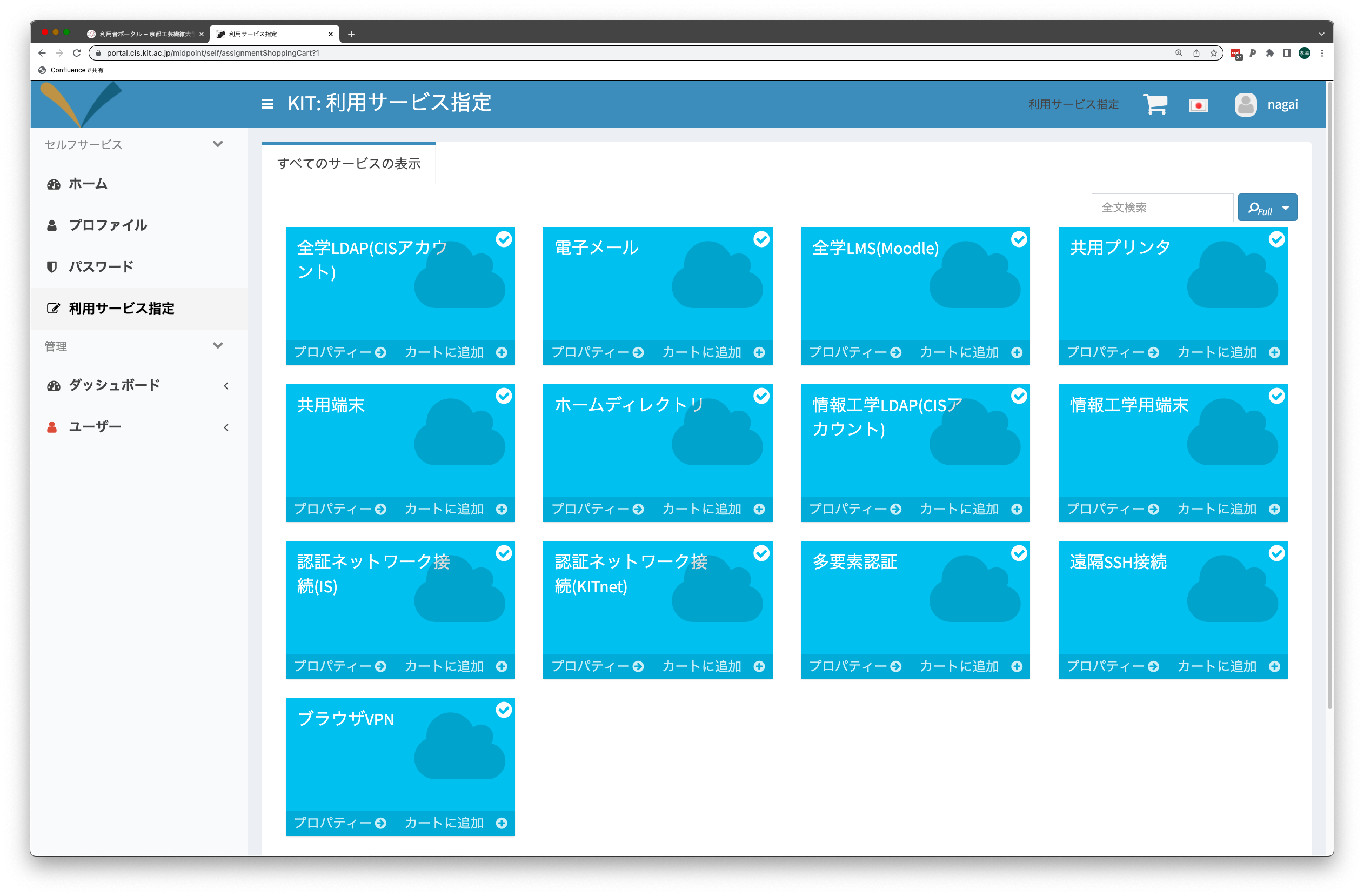
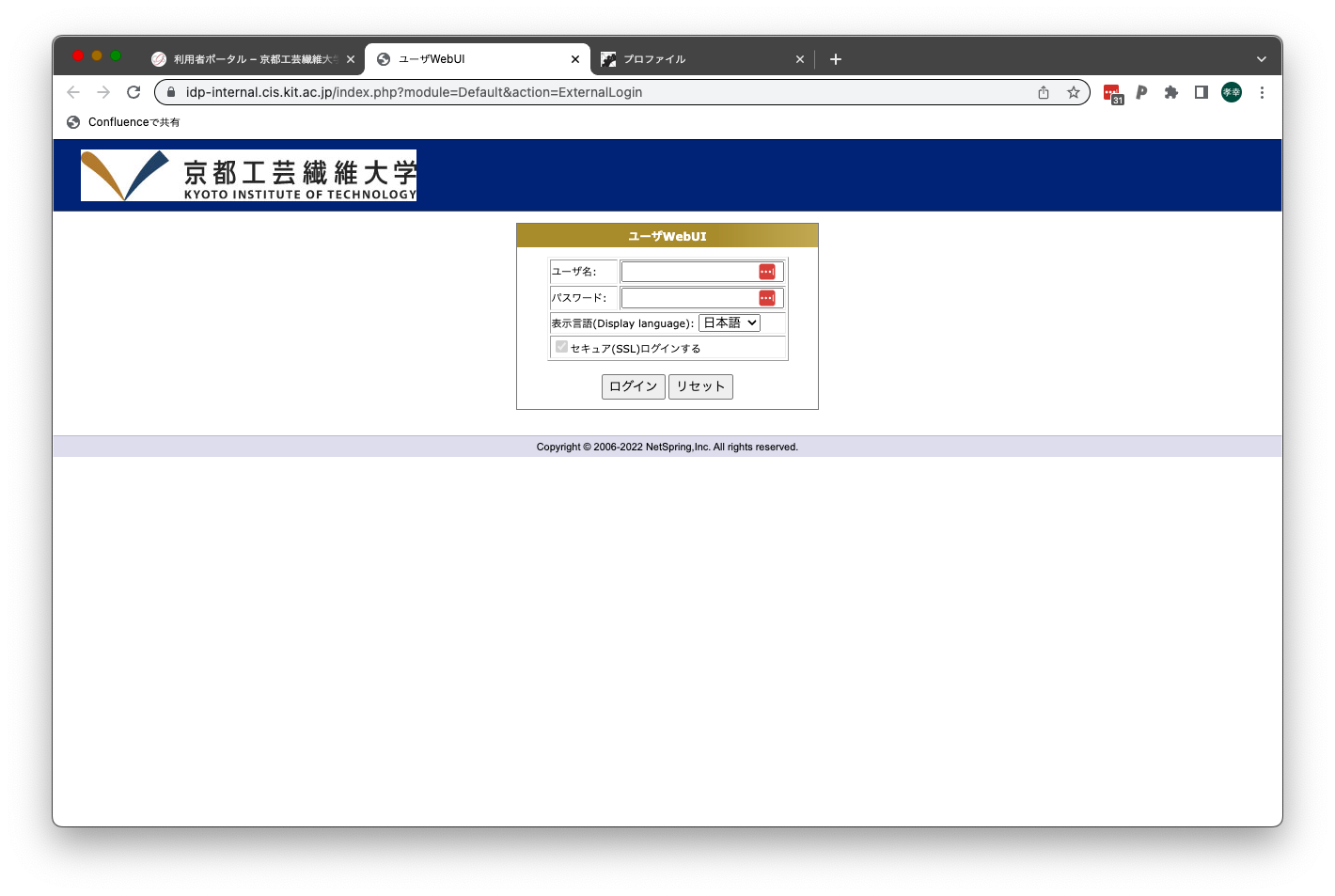
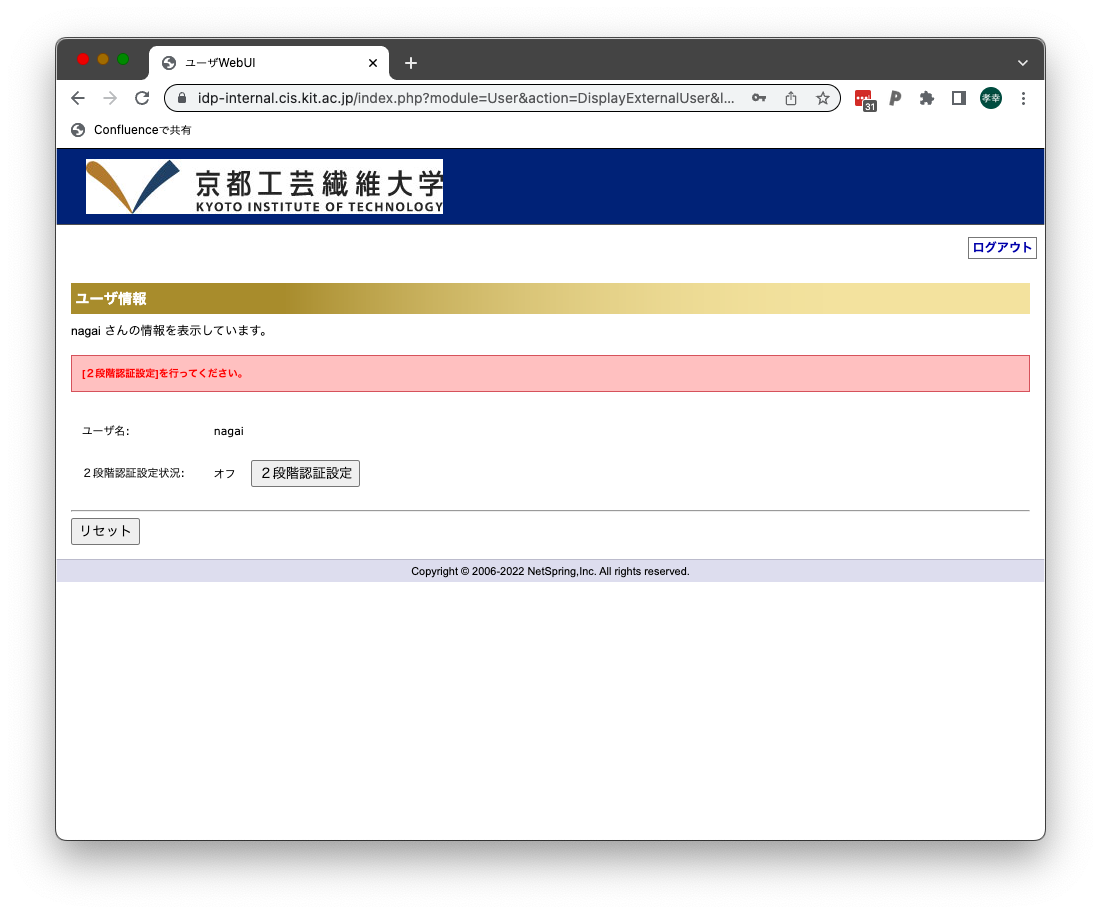
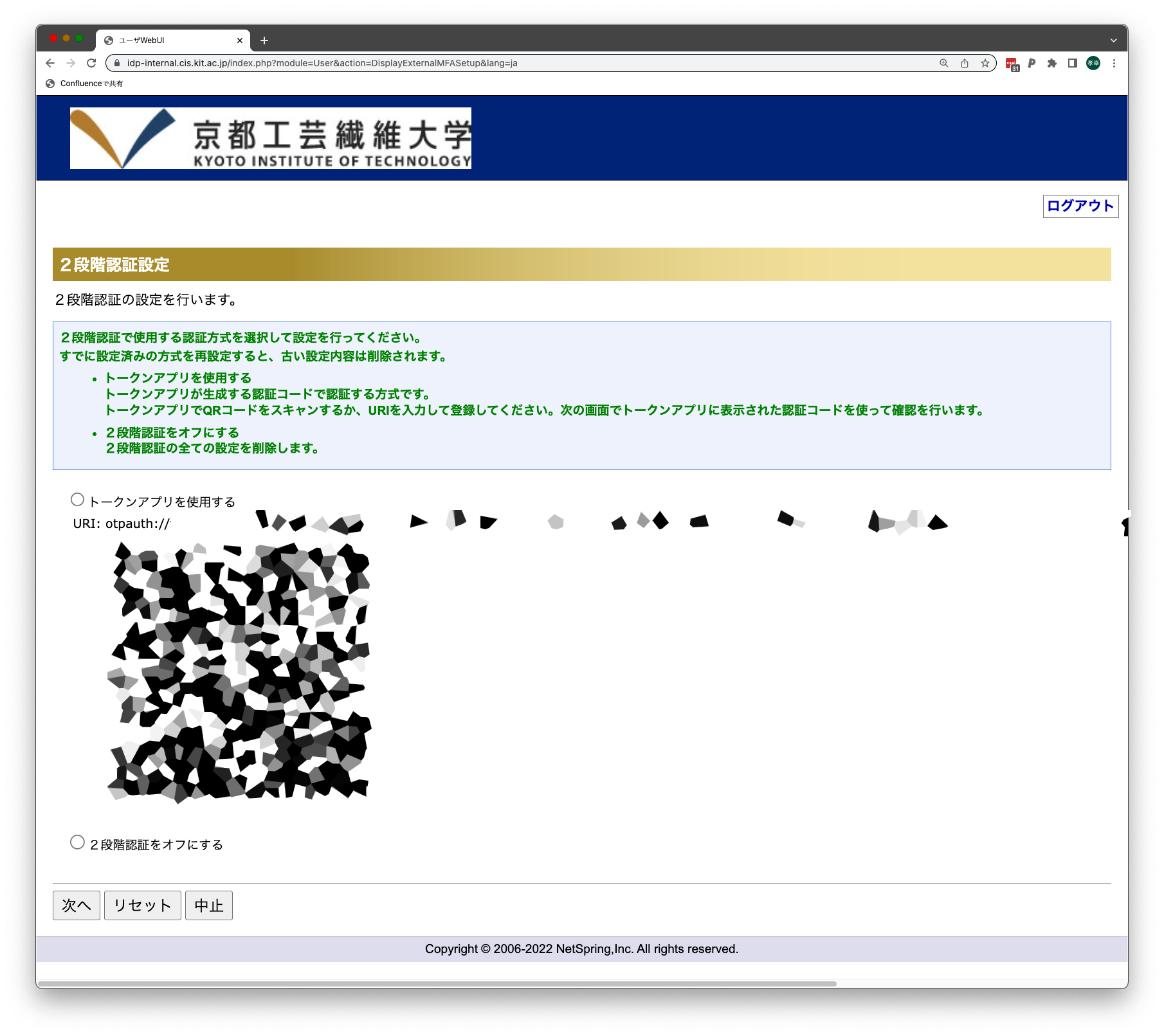
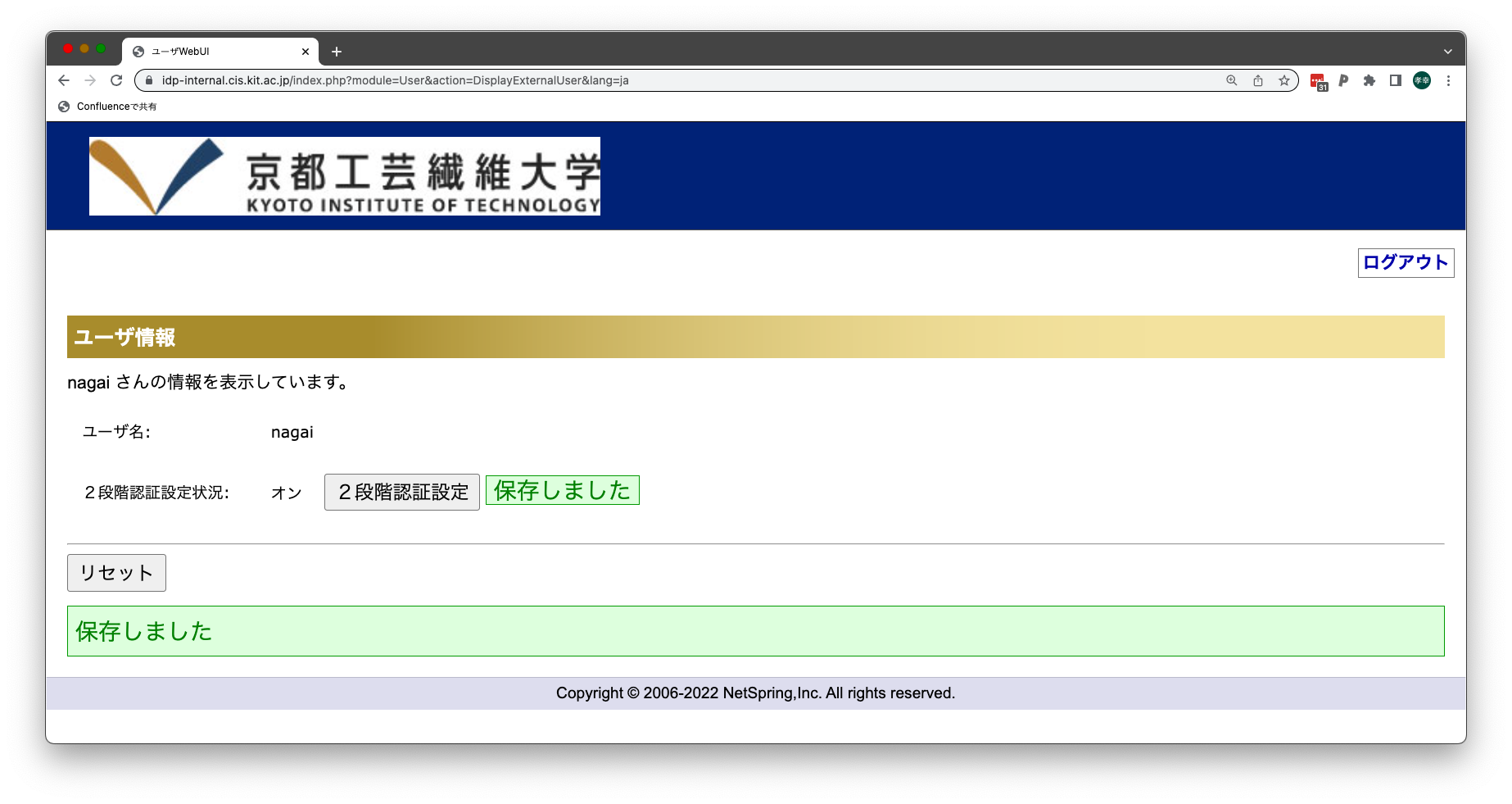
Step-Guide学内ネットワークから以下の設定作業を行うことで学外からのアクセスについて多要素認証を利用できるようになります。 「利用者情報管理サービス」上で多要素認証を有効にする
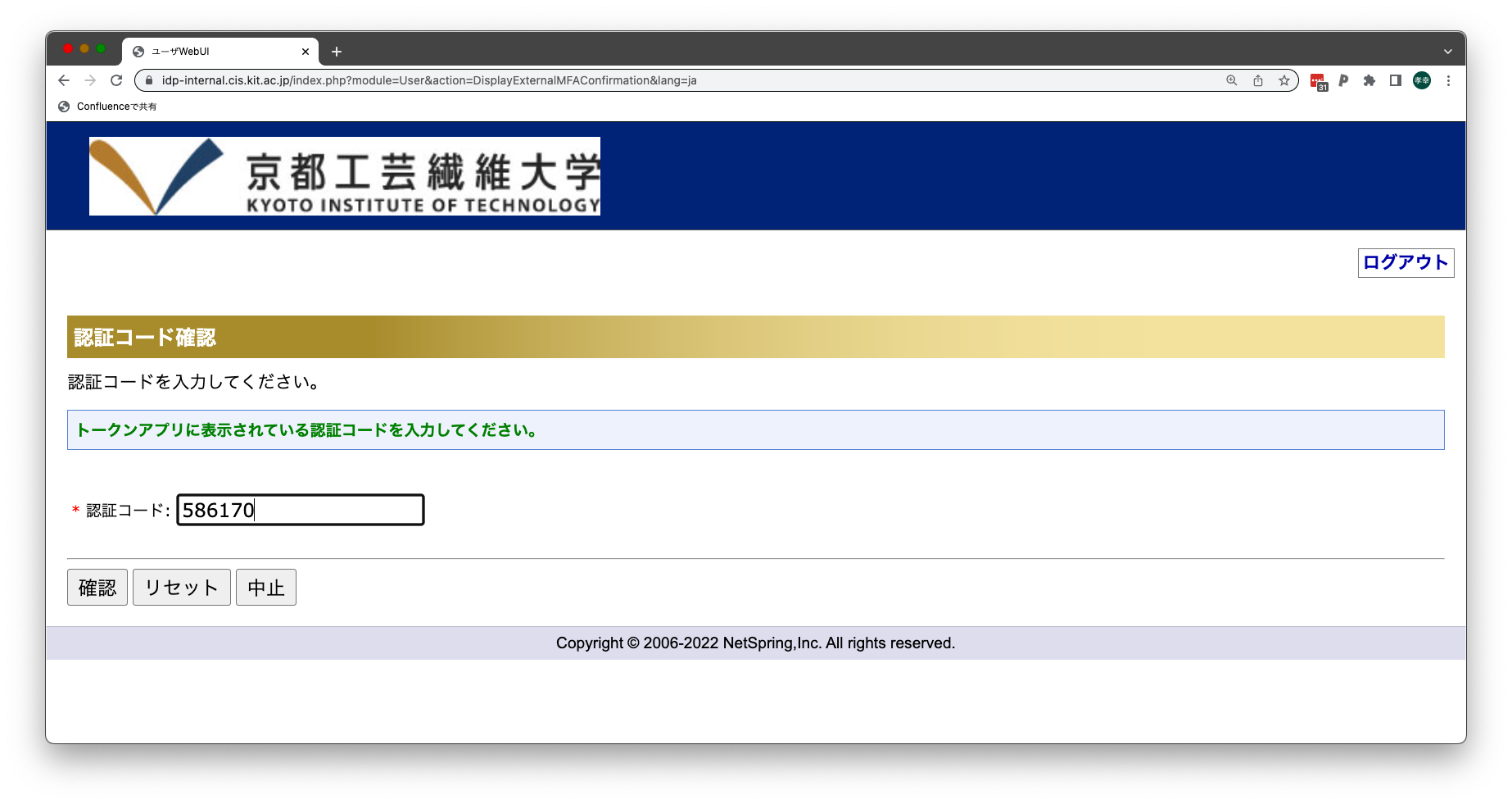
「多要素認証設定サービス」上で多要素認証アプリの設定をする
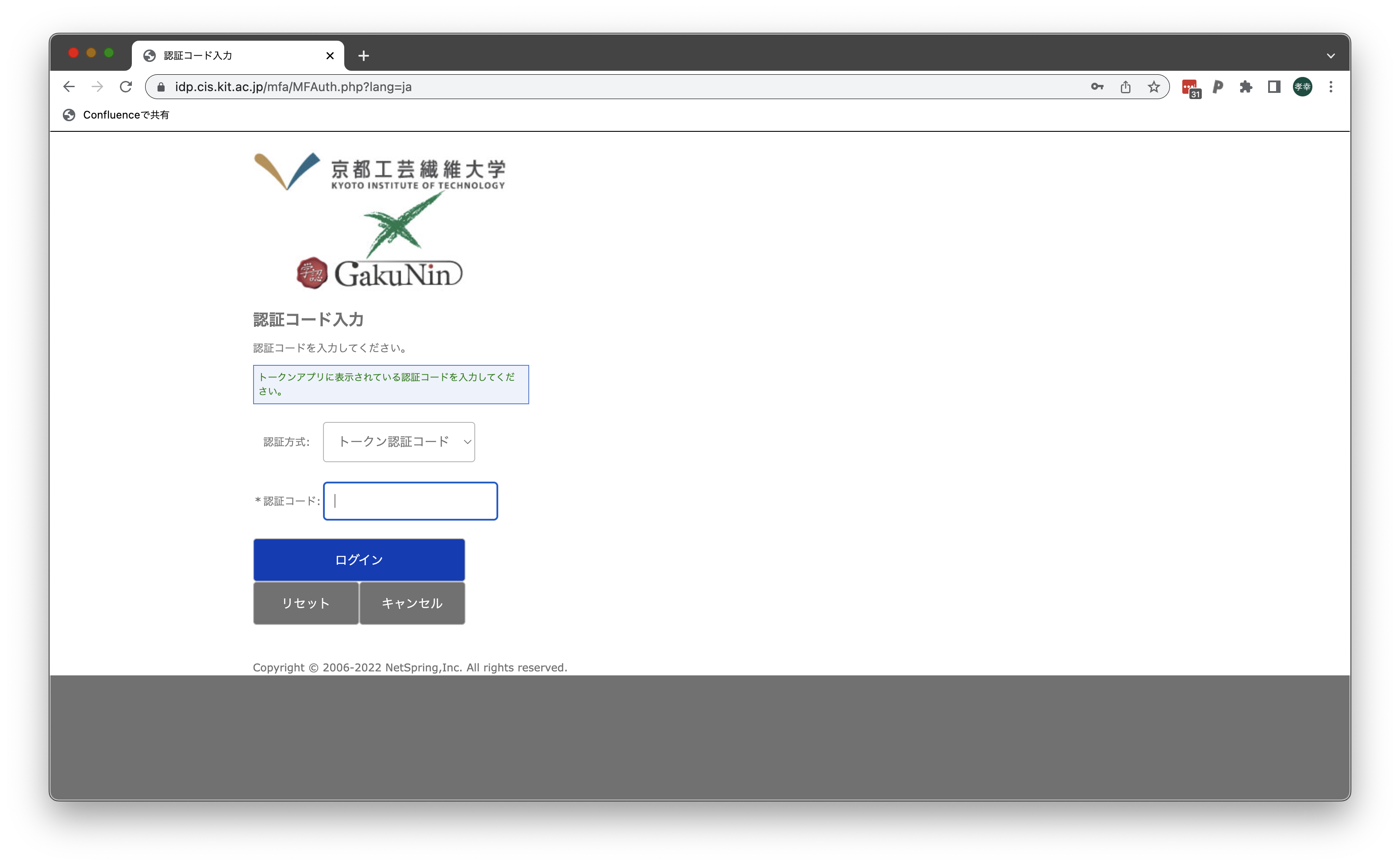
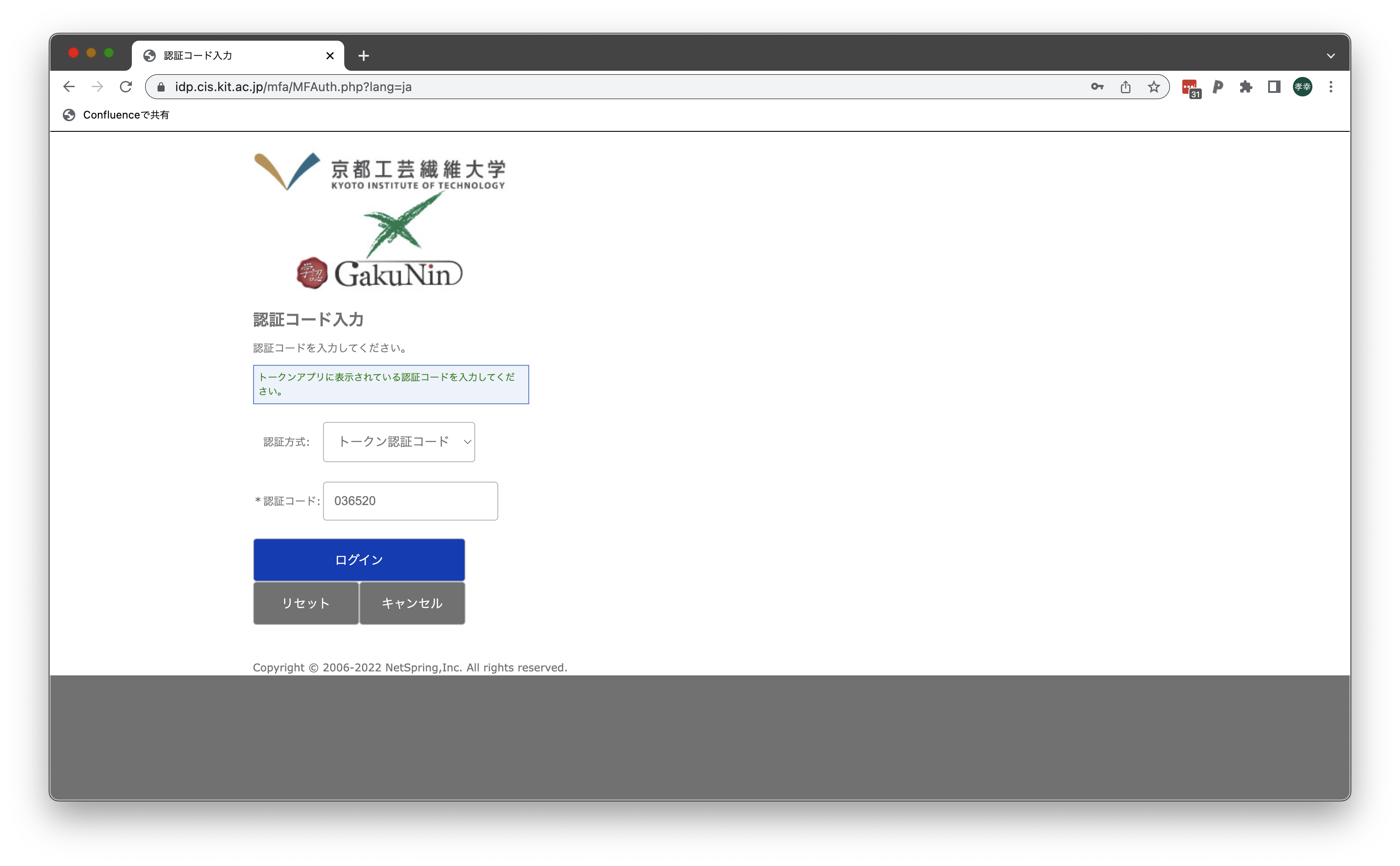
これで多要素認証を利用できるようになります 多要素認証対応Webサービスへのログイン手順
これで多要素認証を用いたログインが完了します。
Related articles
|